I did. That is how I know it works.
OK. Let me re-run all the tests from the top.
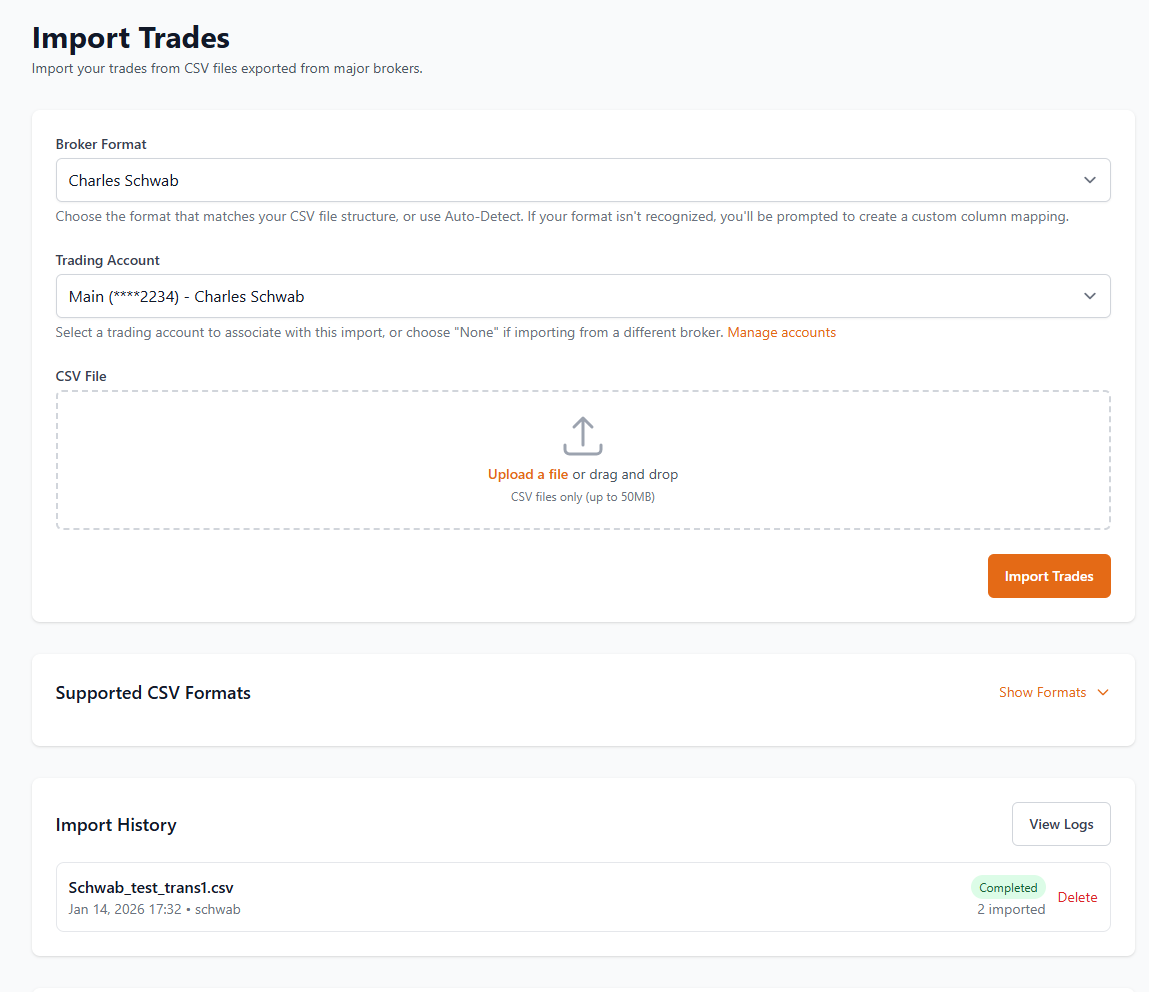
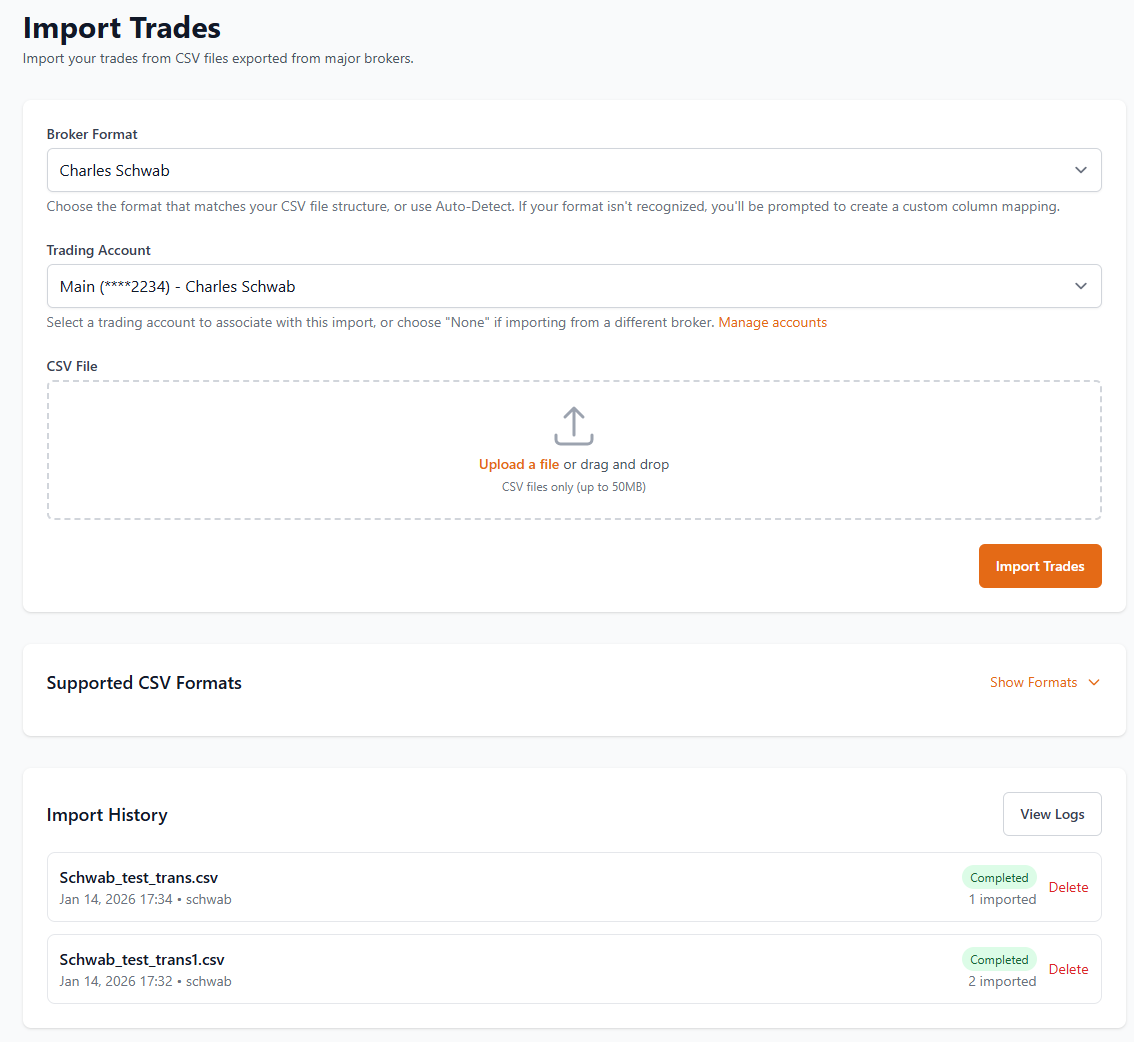
Do you want to logon as me and run these tests yourself?
Are you running this self hosted?
No. I’m on the cloud at https://tradetally.io/
That makes more sense. I just updated the hosted version relatively recently. But even still it should work. So you went to account and cashflows, created your accounts, making sure to set the account opening date on a date before the trades take place that you are importing, and then during import you are choosing the account you want appended to the trade? If you follow those steps it should definitely work
I created the accounts based on your instructions:
If the account needs an opening date I was not aware of that.
Let me add the date in the cashflow screen and re-run the tests.
They are both the same thing technically, just a different UI. But both have the balance start date.
I added a balance start date to the accts that predates the transaction dates in the test files. Started over and imported both files like before. Same result. Nothing changed.
Maybe it is a broker thing? What broker are you using for the import?
Charles Schwab for the csv files
1 Like
Thank you. I bet it is a parser issue. I will work on it now.
Wow, Schwab was the only parser I missed the account number variable on
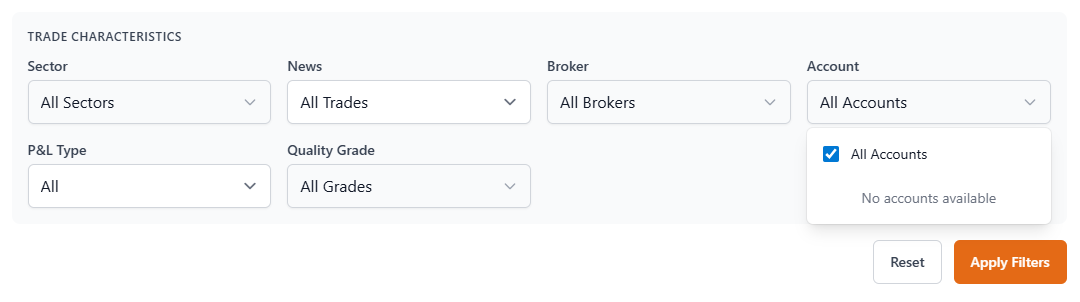
The account drop down is working now but the import function is still dropping transactions.
Pull the latest image. I removed the account filter entirely and made it a global filter
Sorry, don’t understand. I’m using the cloud version. Just reloaded both test files. No change.
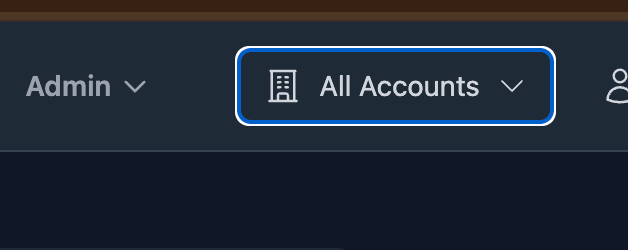
OK, but what does this have to do with the import function dropping transactions?
I need more information. I cannot troubleshoot something so vague. Can you provide the files you are importing or something? I am not a wizard.