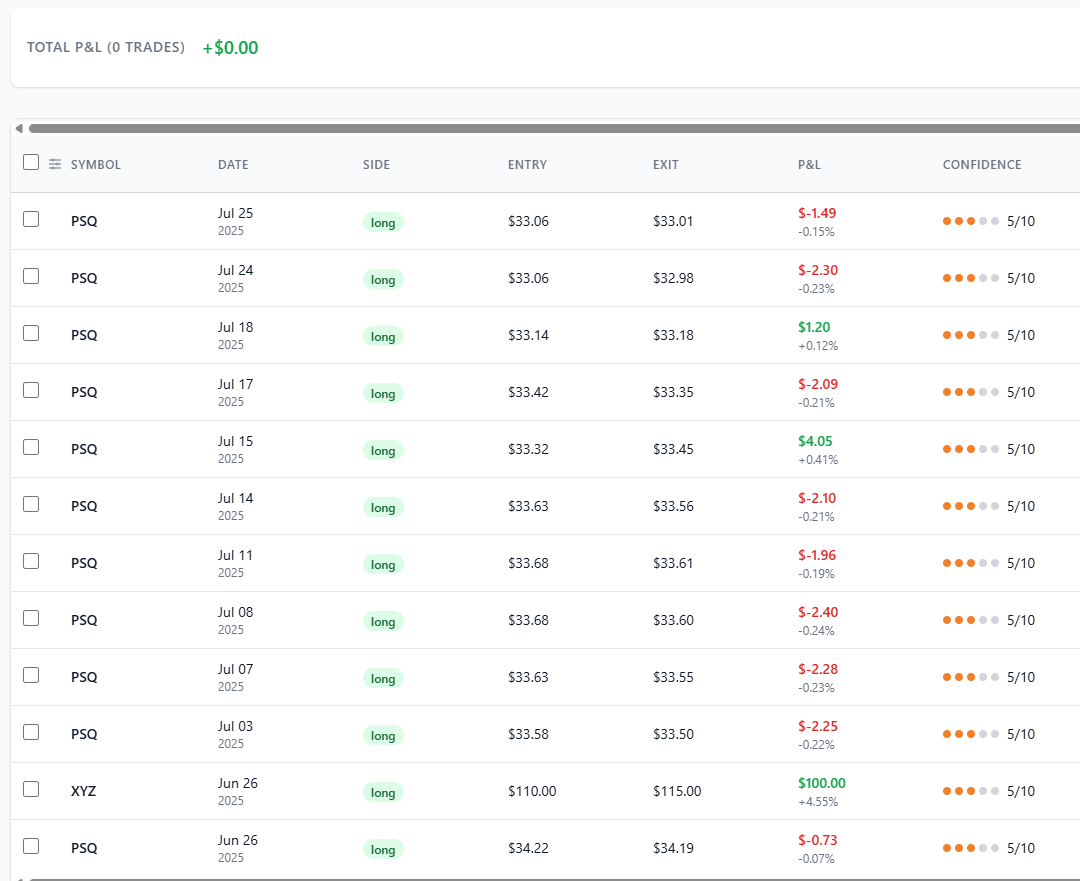
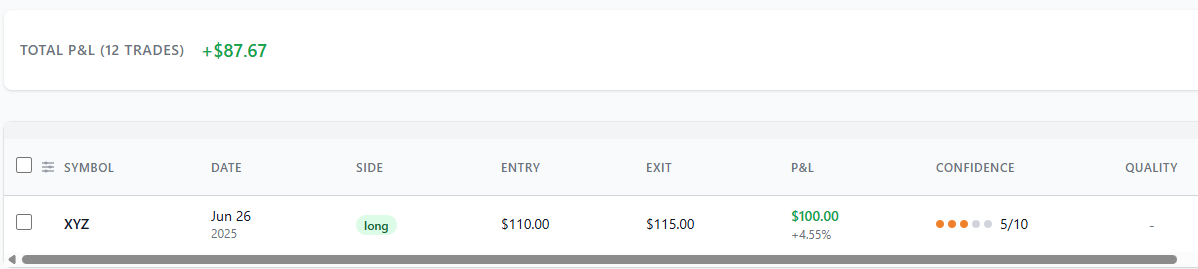
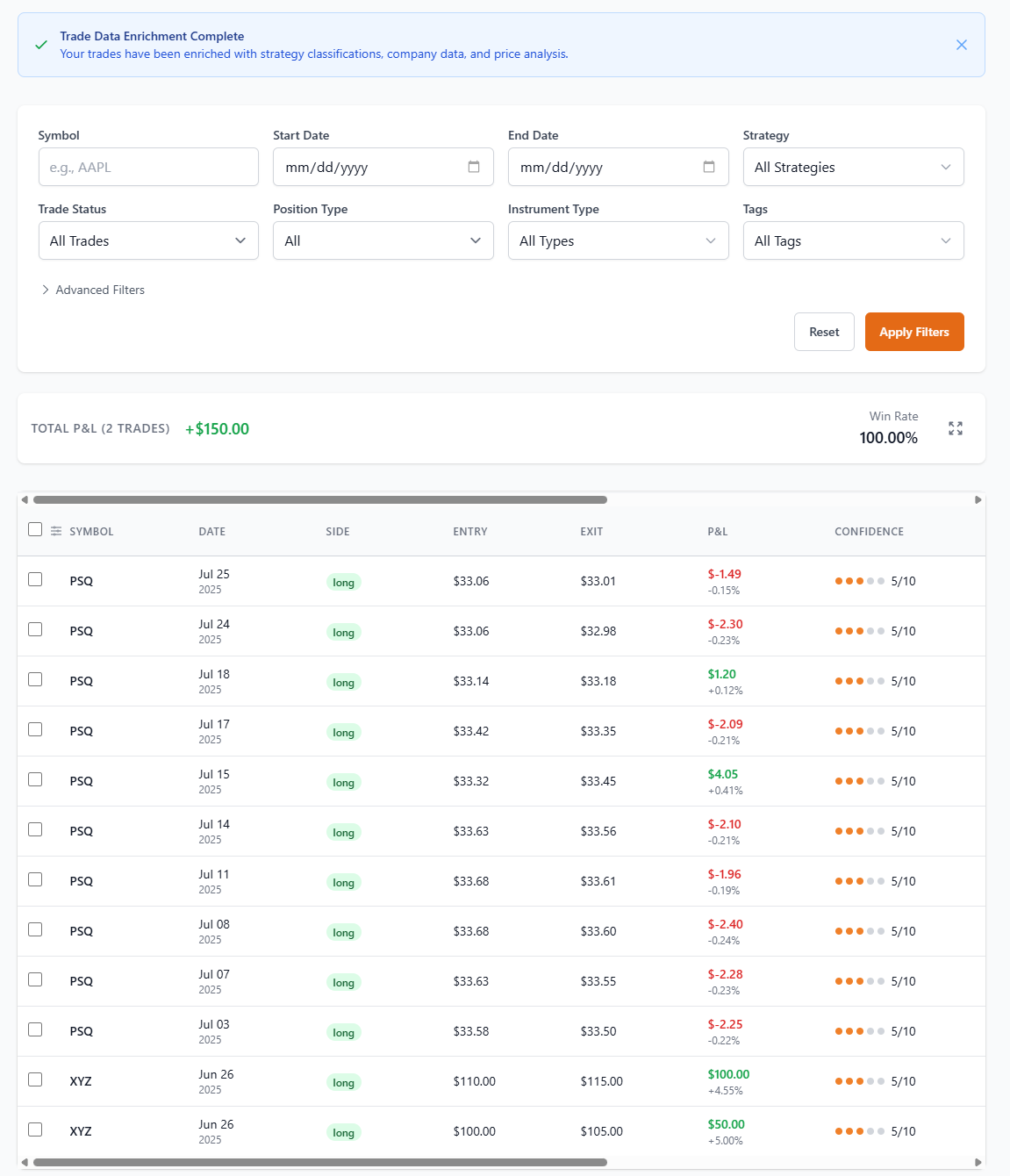
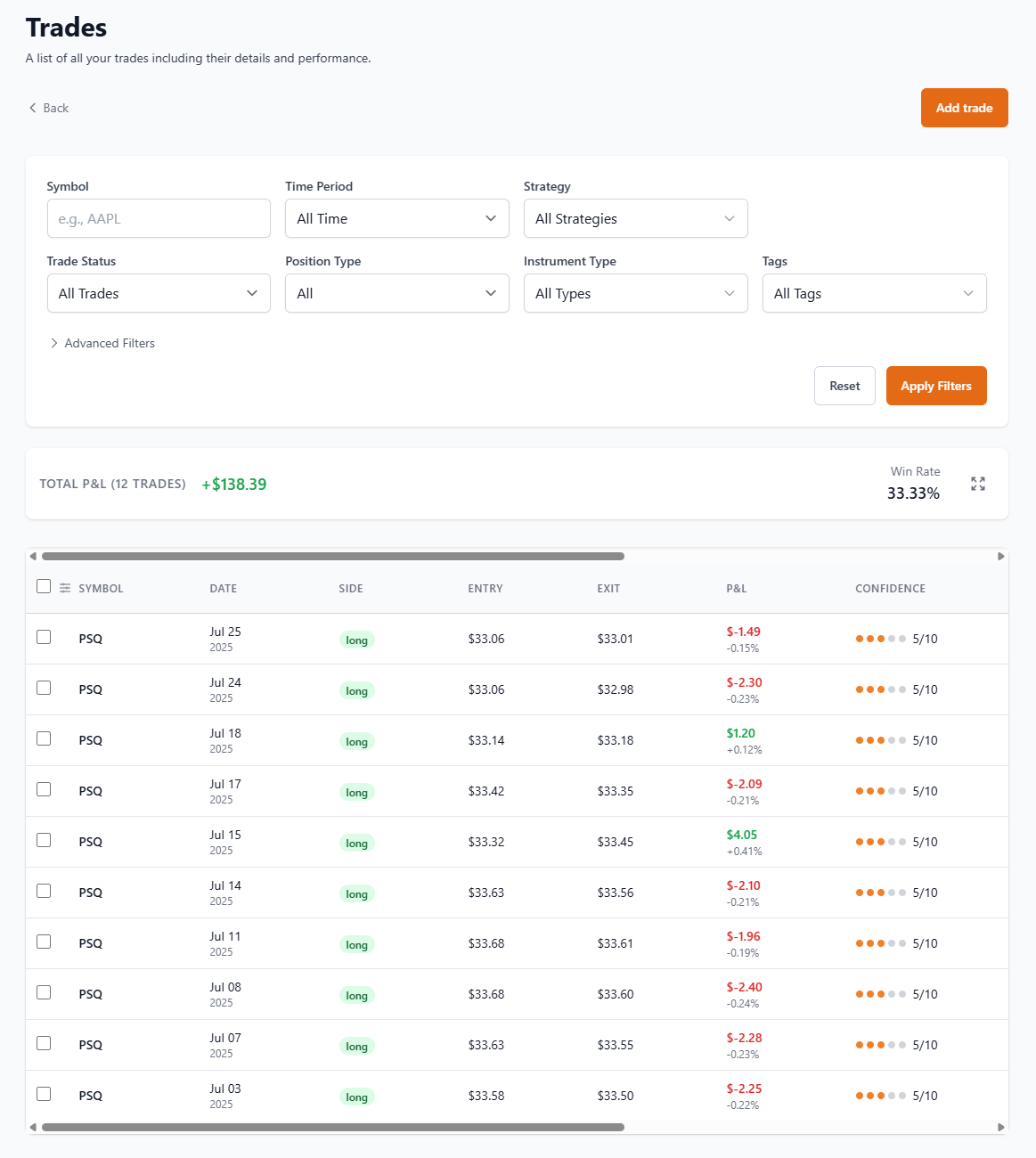
When I load this I get a P&L on the trades screen of $50. Drill down to the trade and the quantity is correct (30 shares) and the average entry & exit prices are also correct. But the P&L just shows the result from the first trade ($50). The second trade result is missing.
When I try to import the test file i get the following error in the log (same error when using the cloud version):
[2025-12-11T21:09:50.226Z] [ERROR] Import process failed: CSV parsing failed: txn.date.toISOString is not a function
[2025-12-11T21:10:10.357Z] [INFO] [IMPORT] [STATS] Job Queue Status:

Here is the test input file:
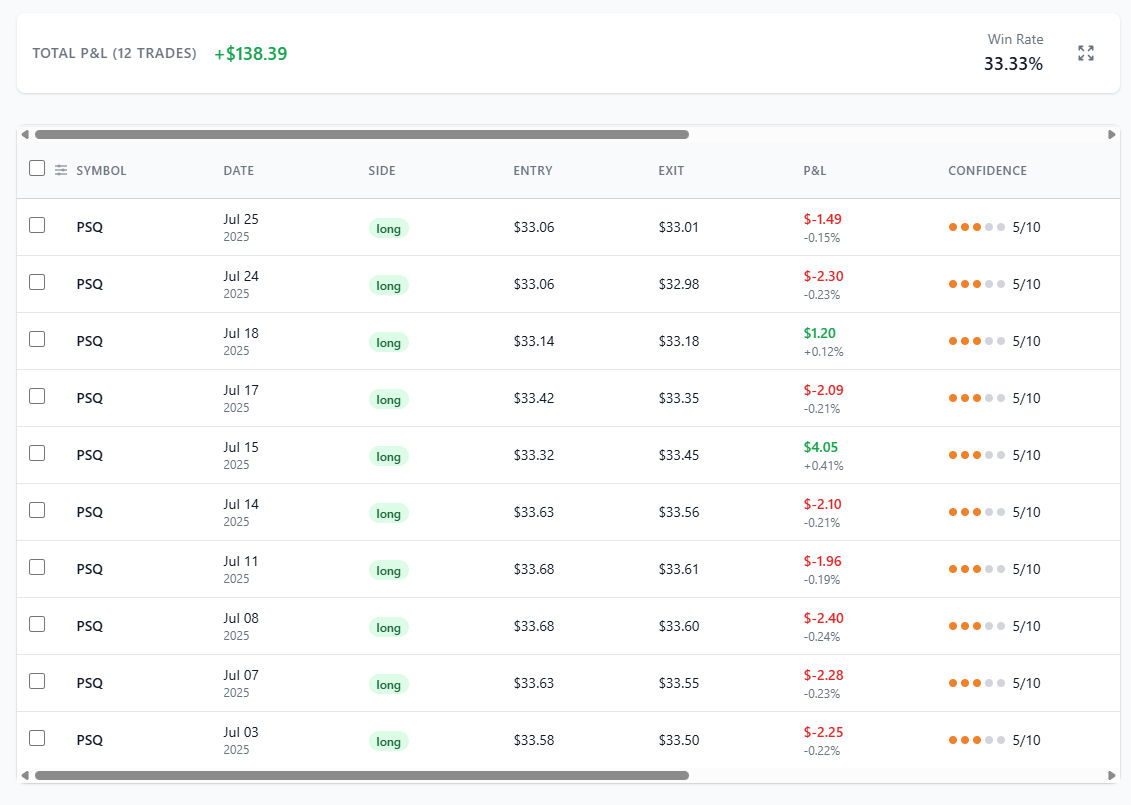
Looks better but the Trades screen still displays the wrong totals. For example I uploaded two test files and the Trades totals were correct. But if I then delete one of the uploads the Trades totals are incorrect.
I also noticed that the Trades screen sometimes shows the wrong trades depending on what filters were used previously. Refreshing the browser screen sometimes fixes the problem.
I really need more specifics. Could you open a github issue providing as many details about the problem as you can, including the csv you are using to import the trades?
To replicate the error have 2 transaction files available. Import the first file and check the total P&L on the trades tab. Now import the 2nd file and again check the totals on the Trades tab. Now delete the first file from the import tab. Go back to the Trades tab and the totals are incorrect. It still shows the old old total from when both files were loaded.